Citrix XenServer Data Recovery
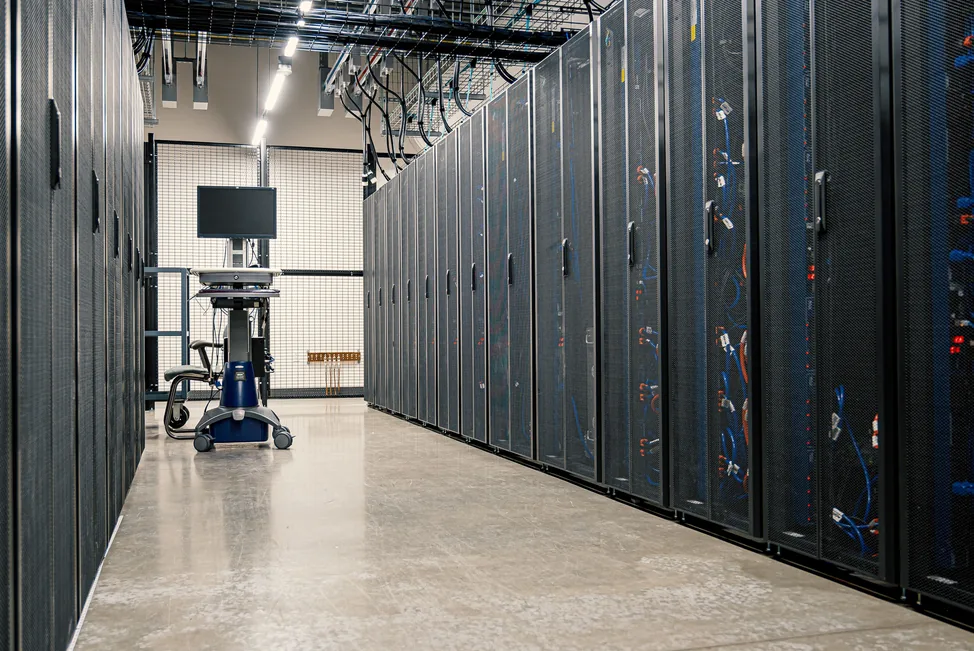
Got a Failed XenServer? To find out how you can regain lost data same or next day, call now!
Disk Doctors recovers data from failed Citrix XenServer environments, including corrupted or deleted VHD virtual disks, damaged storage repositories, failed local and shared storage, and underlying RAID or SAN hardware faults. Our engineers work at both the virtualisation layer and the guest file-system level to restore your virtual machines and data.
Start Your Data Recovery Case
How much will data recovery cost?Submit your details to get a free data recovery quote, Free Consultation or Free Shipping Label.
XenServer failed or a storage repository corrupted? Every minute counts.
Continuing to run a failing storage repository risks overwriting recoverable virtual machine data. Power the environment down now and let our engineers run a free evaluation before you risk anything further.
What is Citrix XenServer Data Recovery, and Why is it Needed?
Citrix XenServer (now Citrix Hypervisor) stores virtual machines as VHD virtual disks inside Storage Repositories (SRs), which typically sit on local storage, iSCSI, NFS, or RAID/SAN arrays. When an SR becomes corrupted, a VHD snapshot chain fails to coalesce, or the underlying storage fails, an entire virtual machine and everything on it can become inaccessible in one go. Disk Doctors are on hand to offer Citrix XenServer data recovery, with potential solutions in as little as 24 to 48 hours.
Common Causes of Citrix XenServer Data Loss
There are several issues that can lead to XenServer data loss. Storage repository corruption can occur due to unexpected host crashes, power loss, or storage connectivity issues, while a failed VHD snapshot coalesce can leave a chain of virtual disks in an inconsistent state. RAID or SAN failures underneath the SR, such as multiple disk failures or a failed RAID rebuild, can take an entire storage repository offline.
Accidental deletion is also a common cause, whether that's a deleted virtual machine, an accidentally detached SR, or a VM mistakenly excluded during an XenMotion migration. A failed pool master or resource pool issue can interrupt access to shared storage, while ransomware and malware can encrypt or delete VHD files stored on a repository.
Our Data Recovery Process
Our data recovery process is secure, transparent, and designed to minimise downtime. Here's how it works:
Send us your device using the free postage label and our engineers will assess it for free. We'll let you know exactly what's recoverable before you commit.
We create a full, bit-by-bit clone of your storage media to preserve the original. Your data remains untouched while we work on the image copy.
Depending on the fault, we use cleanroom hardware repairs or forensic software tools to extract your data, even from damaged or encrypted media.
You'll receive a file list of everything we can recover. Once approved, we'll return your data on a secure USB drive or via encrypted cloud transfer.
Corrupt or Inaccessible XenServer Files? We Can Help!
The Disk Doctors team specialise in virtual environment recovery, including Citrix XenServer and Citrix Hypervisor hosts, resource pools, and local, NFS, or iSCSI storage repositories. When files become lost due to SR corruption, a failed VHD coalesce, or an unrecognised storage repository, our experts use advanced techniques to restore the data. We'll start by diagnosing the cause of data loss, which could be anything from SR metadata corruption to a failed RAID rebuild or a deleted virtual machine.
Our engineers work at both the virtualisation layer and the guest file-system level. At the virtualisation layer, we can repair damaged SR metadata, rebuild corrupted VHD headers, and reconstruct storage repositories affected by RAID or SAN failure. At the guest level, once a virtual disk has been repaired or cloned, we mount it to recover the individual files, databases, or applications stored inside. If a VM was deleted or an SR reformatted, we can also carve recoverable VHD and snapshot files directly from the underlying storage.
Preventing Data Loss on XenServer Environments
While the Disk Doctors team can help with Citrix XenServer data recovery, it's best to prevent data loss altogether wherever possible. Regularly back up virtual machines using XenServer-aware backup software, and avoid relying on snapshots alone as a long-term backup strategy since a failed coalesce can put the whole chain at risk. You should also monitor the health of the RAID or SAN storage underneath your storage repositories, although we can help with RAID recovery or NAS/SAN/DAS recovery if you do lose data.
Disk Doctors can also help with hard drive recovery and VMware data recovery, with fast and affordable solutions tailored to your data recovery needs.
Trusted by Customers Across the UK

FAQs About Citrix XenServer Data Recovery Services
Looking for more answers? Click here to see the full set of questions →
Supported Data Loss Situations
- Storage repository corruption or unattachable SRs
- Failed VHD snapshot coalesce
- Accidental deletion of a VM, SR, or snapshot
- RAID or SAN failure underneath the SR
- Failed XenMotion or storage migration
- Ransomware or malware encryption
- Host crash or failed pool master
XenServer Platforms We Recover
- Citrix Hypervisor
- XenServer 6.x–8.x
- Local LVM storage repositories
- NFS & iSCSI storage repositories
- XenMotion & resource pools
- RAID and SAN-backed storage